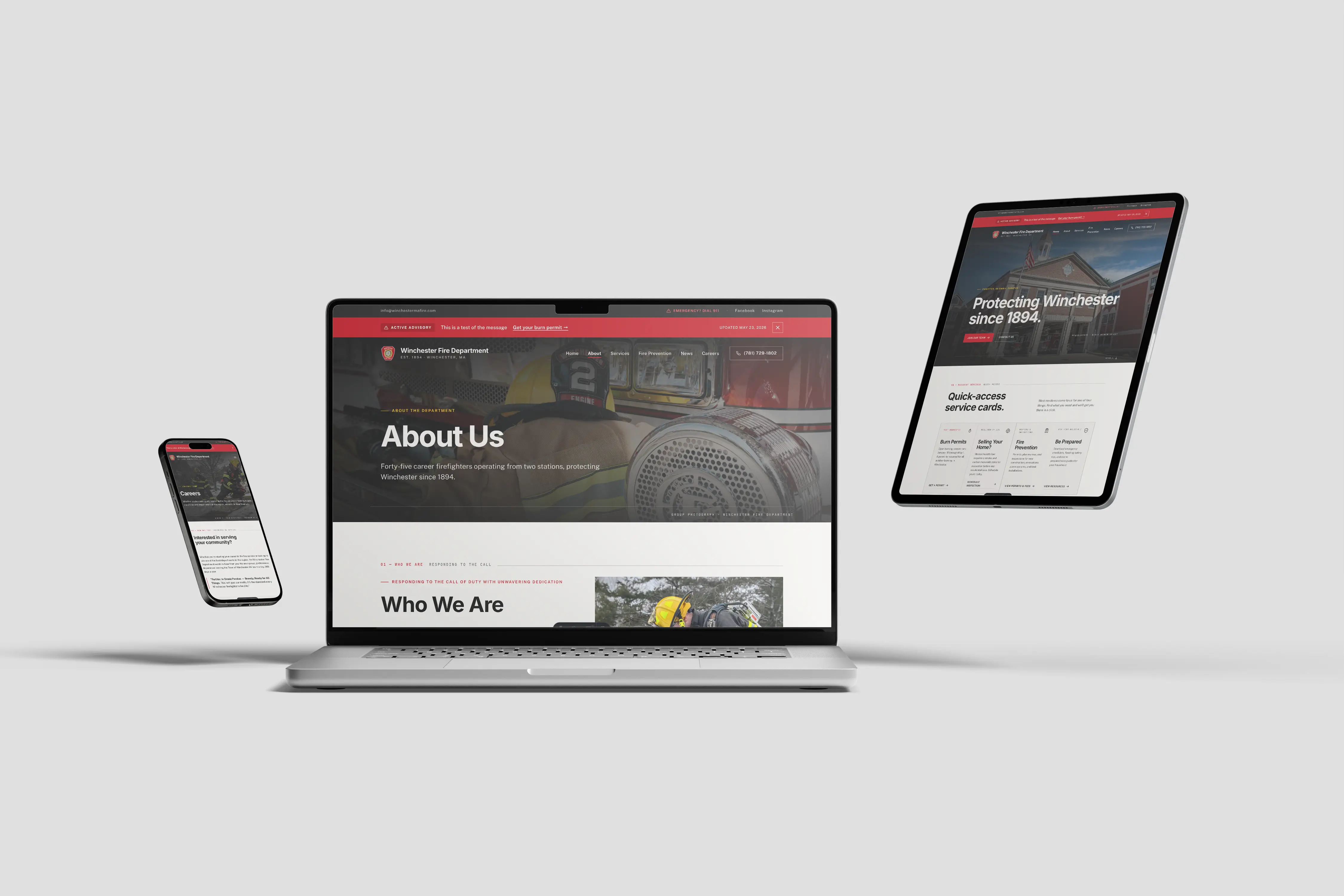



There is a version of this post written by a web designer. It talks about UI patterns, conversion optimization, and analytics dashboards. This is not that post.
This is the version written from inside the fire service — by someone who has been on the job since 2014 and has seen what chiefs actually need when they look at their department's website. Here is what a fire department website should include, in order of operational importance.
The Essentials: Every Site Needs These
Contact Information and Station Address
Your station address, non-emergency phone number, and the emergency instruction to call 911 should be findable in under five seconds from your homepage. This information should be in your footer, on a dedicated contact page, and in your Google Business Profile. If a resident cannot find your phone number, your website has failed its most basic function.
Emergency Information Banner
Your site needs a mechanism to display a prominent banner during active incidents, public safety notices, burn bans, or road closures. This does not need to be sophisticated — a simple dismissable banner at the top of every page that your admin can activate and deactivate is sufficient. What it cannot be is something that requires calling your web developer to turn on.
About the Department
Who you are, how long you have served your community, career or volunteer, how many stations and how many members. This is often the first thing a new resident reads. It should be current, accurate, and reflect the department you are today.
Apparatus
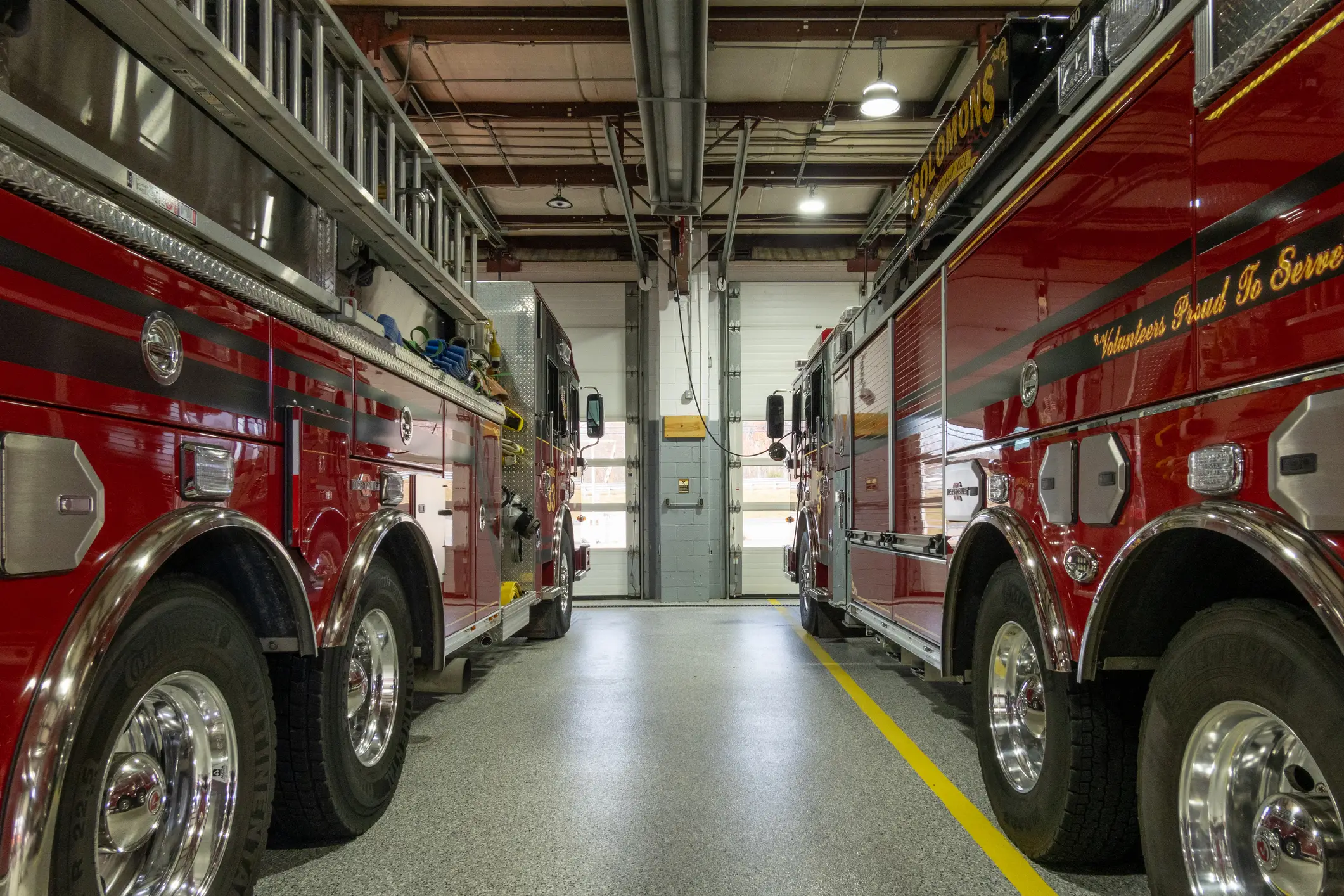
What you run and what it does. This is not vanity — it tells your community what resources respond to their address. Apparatus pages also serve an SEO function and demonstrate operational credibility to mutual aid partners and prospective recruits.
Recruitment
A dedicated page explaining how to join, what is required, what is provided, and how to apply. This should answer every question a prospective member has before they need to ask it.
Community Engagement: What Good Departments Add
News and Announcements
A simple blog or news section allows your department to post incident summaries, public safety information, event announcements, and department milestones. This is the content that keeps your site current and gives Google something to index regularly.
Fire Prevention and Safety Resources
Your department's role in public education is not limited to suppression. Seasonal safety tips, open burning regulations, smoke alarm programs, 26F inspection requirements — this content is genuinely useful to your community and positions your website as a resource, not just a brochure.
Events and Calendar
Open houses, fundraisers, training events, community CPR classes. A public-facing calendar gives your community a reason to return to your site and demonstrates active engagement.
Community Trust Indicators
Annual report, incident statistics, ISO rating, accreditation status, mutual aid agreements. Chiefs at departments under public scrutiny know the value of proactive transparency. Your website is the right place to demonstrate it.
Compliance: Non-Negotiable in 2026
ADA Accessibility
Every page, every image, every document on your site must meet WCAG 2.1 AA standards. This is a federal legal requirement under Title II. Compliance is not optional, and it is not a one-time checkbox — it requires ongoing monitoring as content is added.
Accessible Documents
Every PDF you post must be accessible — not scanned images, but tagged documents with selectable text, proper reading order, and alt text for any images. This applies to agendas, forms, annual reports, inspection documents, and SOGs posted publicly.
Mobile-Responsive Design
The majority of your site visitors are on phones. Your site must be fully functional on mobile — not just "viewable" but navigable, readable, and usable without zooming or horizontal scrolling.
Privacy Policy
If your site collects any data — contact form submissions, analytics, cookies — you need a privacy policy. This is a legal requirement in many states and a basic expectation of any professional web presence.
Nice to Have: What Strong Sites Include
- Personnel directory with photos and titles (with appropriate privacy settings)
- Online contact and non-emergency inquiry forms
- Embedded social media feeds
- Photo and video gallery (accessible and captioned)
- Downloadable forms (all properly tagged and accessible)
- Links to mutual aid partners
- Integration with scheduling or CAD systems (for appropriate public data)
What Most Fire Department Websites Get Wrong
They are built once and then added to haphazardly over years, without any organizational structure. Pages accumulate. Navigation grows. The homepage gets cluttered with widgets and announcements that made sense in 2019.
A great fire department website is not just a list of everything your department has ever posted. It is a considered, organized presentation of who you are, what you do, and how the public can interact with you. Every six months, someone should review the site with fresh eyes and ask: if a new resident landed here today, would they find what they need?