








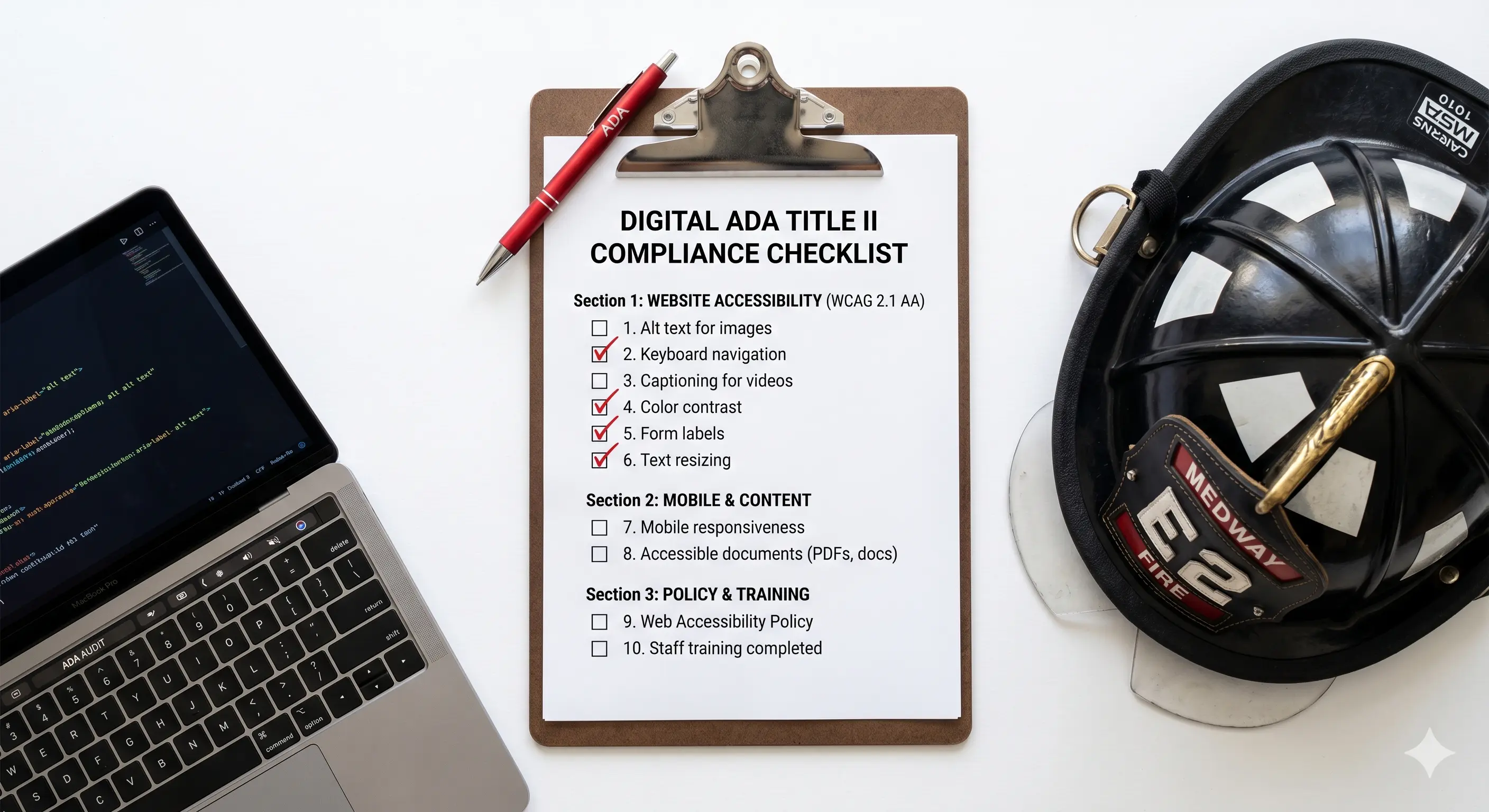

The April 24 ADA Title II compliance deadline for fire departments serving jurisdictions over 50,000 is either here or already passed, depending on when you are reading this. Either way, this checklist is useful: run it before enforcement lands to understand where you stand, or run it after to begin documenting the compliance work you are actively doing.
This is not a comprehensive technical audit. It is a triage — the things a non-developer can check in five minutes that will surface obvious, documentable problems. Go through each item. Be honest.
The Checklist
Images and Visual Content
- Right-click on 3–5 images on your homepage. Select "Inspect" (in Chrome) and look for the alt attribute. Is it present? Does it describe the image in plain language? A filename like "img_0342.jpg" or the word "image" is not alt text.
- Check any infographics, charts, or diagrams on your site. Do they have text equivalents or descriptions nearby?
Documents and PDFs
- Go to your site's documents section. Download one PDF — an agenda, a form, an annual report. Open it in Adobe Acrobat Reader. Can you select and copy the text? If the text is not selectable, it is a scanned image and is not accessible.
- Count how many PDFs are posted to your site. Each one is a potential compliance issue.
Color and Contrast
- Look at your body text. If it is gray on white, light on a mid-tone background, or white on a color that is not clearly dark, it may fail contrast requirements. Use WebAIM's Contrast Checker at webaim.org/resources/contrastchecker to test your specific colors.
- Check text overlaid on images — hero sections, banners with text on photography. This is almost always a contrast failure.
Video
- If your site has any video content — recruitment videos, apparatus footage, department highlights — are they captioned? Open the video and look for a captions toggle. YouTube auto-captions do not meet the accuracy standard.
Forms
- If your site has a contact form, application form, or any other input form — look at each field. Is there a visible label above or beside the input? Placeholder text inside the field does not count.
Keyboard Navigation
- Click anywhere on your homepage. Press Tab. Does a visible focus indicator appear (a box, outline, or highlight around a link)? Keep pressing Tab. Can you move through the navigation and reach the main content? If focus disappears or you cannot tell where you are on the page, you have a keyboard accessibility failure.
Mobile
- Pull up your site on a phone. Can you zoom in by pinching? If zoom is blocked, that is a violation. Are the tap targets (buttons, links) large enough to hit without extreme precision?
Scoring Yourself
If you found problems in even one or two of these areas, your site has documentable compliance gaps. The more items you flagged, the more significant the work required.
- 0–1 flags: You are likely in reasonable shape. A professional technical audit will confirm specifics.
- 2–4 flags: You have meaningful compliance gaps. Some may be fixable by your current developer. Others may require rebuilding sections of your site.
- 5+ flags: Your site was not built to accessibility standards. A rebuild is probably the most efficient path to compliance.
What to Do With These Results
If your deadline is April 24 and you have significant gaps, today is not the day to panic — it is the day to document. Have a record of what you found and when. Start the process of remediation. The DOJ's enforcement is complaint-driven, and departments that can demonstrate they are actively working toward compliance are in a meaningfully different position than departments doing nothing.
If your deadline is April 2027, you have time to do this properly. Use it. A site built to WCAG 2.2 AA from the ground up will cost less over time than years of patching a non-compliant site.
The Irons builds every fire department site to WCAG 2.2 AA — the current standard. If you want an honest assessment of where your site stands, reach out. We will tell you what we find.